
Main Screen

Main Screen of TDF Tracker. From here you can navigate between dates with entries, return to “today”, and add time, mileage or expense entries.
Basic Time Entry
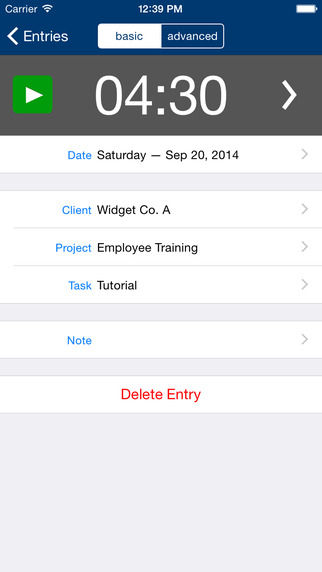
Basic time entry screen. Easy to use basic time entry screen. You can either use the built-in timer, or you can tap on the time to manually enter/edit.
Advanced Time Entry

Advanced time entry screen. Builds on the basic time entry method, but allows for recording or start, end, and break times that can be included in the reports.
Mileage Entry
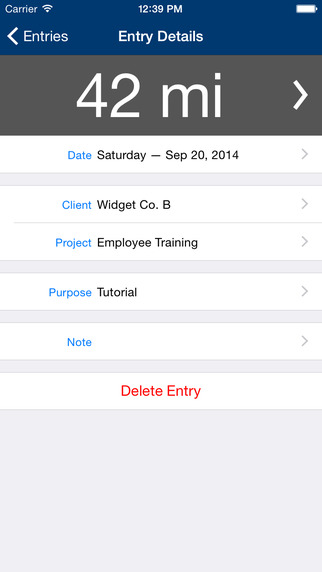
Mileage entry screen – allows for keeping track of mileage for reimbursement.
Reporting
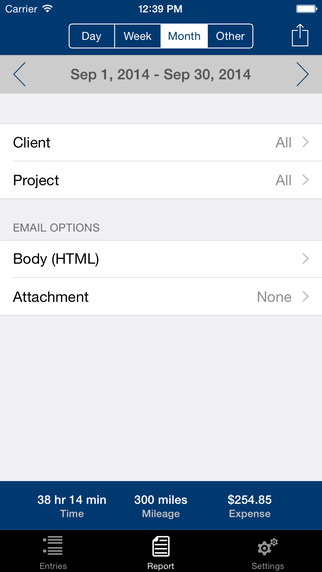
Easy access to reporting from within TDF Tracker. You can export the reports via HTML.